How to Get Skinny Roblox Avatar Styles That Look Slim
You can make a Roblox avatar look skinny by using R15, lowering the Width slider, and choosing slimmer free body parts before worrying about clothes or accessories. If your avatar still looks bulky, the problem is usually the torso, arms, or a game setting that is overriding your normal avatar.
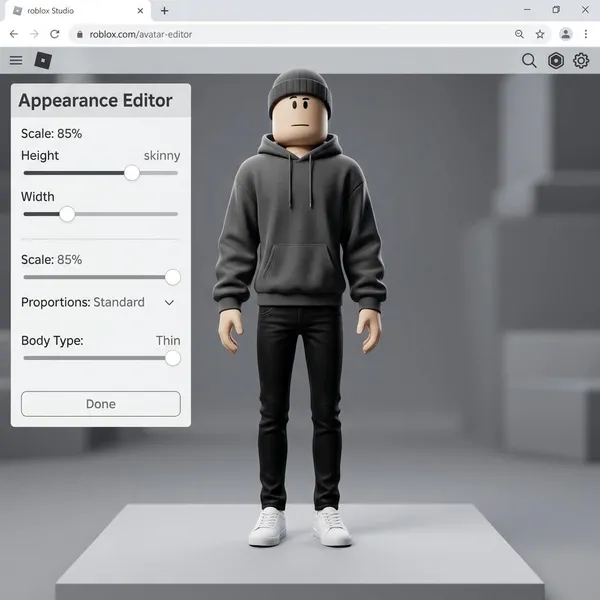
How to make a skinny Roblox avatar
The quickest path is simple: set your avatar to R15, make the body narrower, then test slim body parts one at a time. Do the shape first and the outfit second, because bulky sleeves, big hair, and wide accessories can hide whether the body setup is actually working.
Open the Avatar Editor
Start in Roblox's Avatar Editor or Customize menu, then look for Head & Body, Scale, or Build. The labels can vary a little between desktop, mobile, and the website, so if you cannot find the sliders on one device, it is worth checking another before assuming they are unavailable.
Choose an R15 body
R15 is the setting to check first. R6 keeps the older blocky body style, while R15 is the version that usually gives you access to Width, Body Type, Proportions, and Height controls.
If you mainly play games that force a classic avatar style, your skinny setup may not look the same inside that game. For a profile outfit or fashion-style game, R15 changes are usually much more useful.
Make the body narrower
Lower Width before changing anything else. It has the clearest effect on how wide the torso and limbs look, and it helps you see whether your current body parts are slim enough.
Do not judge the result only from the front. A torso can look narrow from one angle but still appear bulky from the side, especially with layered clothing or large shoulder accessories.
Adjust body type and proportions
Body Type and Proportions are better for fine-tuning than for fixing everything at once. Move them gradually and keep the outfit you actually plan to wear on the avatar, because some clothes look cleaner with slightly different proportions.
- Too bulky: lower Body Type a little.
- Too stretched: reduce Height or adjust Proportions.
- Too awkward in clothes: undo the last slider change before swapping parts.
Add slimmer body parts
Some Roblox bodies are naturally wider, even with low Width. If the avatar still does not look skinny, swap the torso, arms, or legs instead of pushing every slider to the lowest setting.
For a no-Robux setup, try mixing free bodies rather than wearing one full bundle. A narrow torso from one bundle and cleaner arms from another often looks better than a single preset.
Preview and save the look
Rotate the avatar, remove oversized accessories for a moment, and check the shape again. Once the base body looks right, add hair, jackets, wings, bags, or shoulder items back one at a time.
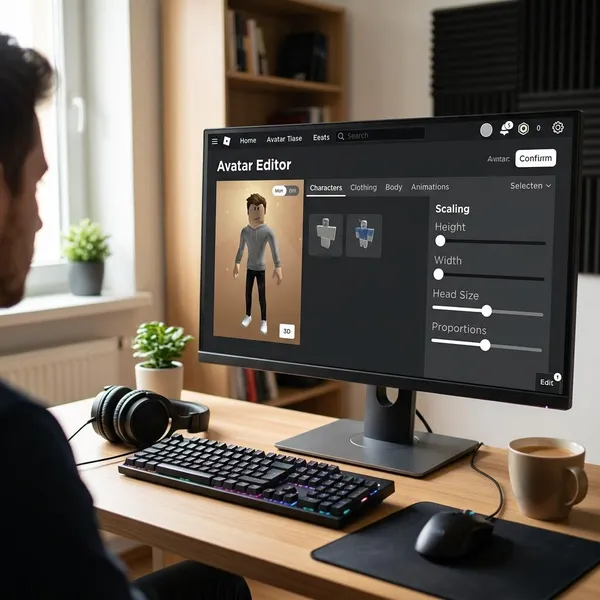
Which Roblox settings make your avatar look skinny?
The settings that matter most are Width, Body Type, Proportions, and Height. Treat them in that order: Width changes the narrowness most directly, while the other sliders help the avatar look balanced instead of just squeezed.
Width controls how narrow the body looks
Width is the main skinny-avatar slider. Lowering it reduces the broad look across the body, so it is the best first test if your avatar looks too thick.
If Width is already low and the avatar still looks wide, stop adjusting the slider and check the torso or arms. A naturally bulky body part can limit how slim the final avatar appears.
Body Type changes the overall body shape
Body Type affects the general shape of the avatar, not just its size. Lower settings often give a cleaner outline, especially when the avatar looks full around the shoulders or torso.
Proportions make the body look slimmer or wider
Use Proportions when the avatar is technically narrow but still looks visually off. It can change how the limbs and torso balance together, which matters a lot for fashion outfits.
Height changes the overall silhouette
Height does not make the body thinner by itself, but it changes how skinny the avatar feels. A taller shape can look more elongated, while a shorter shape can look more compact or mini.
If your goal is a clean, slim outfit, avoid making the avatar so short that the body starts to look squat. If your goal is a tiny avatar style, lower Height can work well as long as the limbs still match the torso.
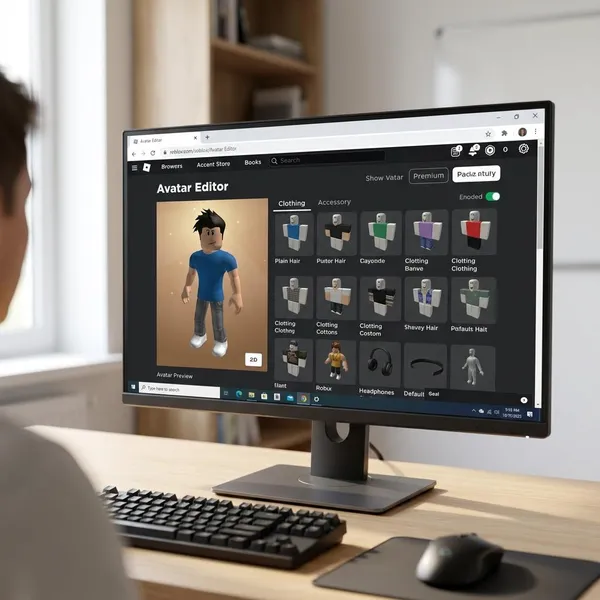
Free bodies for a skinny Roblox avatar
You do not need to buy a paid bundle just to test a skinny Roblox look. Free bodies such as Woman, City Life Woman, Denny, Cindy, and Claire are useful because different parts can solve different problems.
Think of these as parts to compare, not a fixed recipe. If your avatar looks wide in the middle, test torsos first. If it looks heavy during movement, arms and legs may matter more.
Woman for a classic slim shape
Woman is a good first free option because it gives a simple slimmer base without much setup. It works especially well if you want a clean everyday outfit rather than an extreme mini avatar.
City Life Woman for a narrower build
City Life Woman is worth testing when the torso is the main problem. A narrower center body usually changes the whole silhouette more than swapping shoes, hair, or small accessories.
If you are building a free slim outfit for roleplay or fashion games, this is often one of the better starting points. Pair it with different arms or legs if the full bundle does not look balanced.
Denny for slim body parts
Denny can be useful for slimmer-looking arms and cleaner body parts. Try it when your torso already looks narrow but the upper body still feels too wide.
- Use Denny arms if the shoulders or sleeves look bulky.
- Compare in motion because arms can look wider during animations.
- Keep the better torso if only the arms need fixing.
Cindy for another free body option
Cindy is another free body to test when you want a slimmer lower body with a fairly classic Roblox feel. It can help when the legs make the avatar look heavier than the torso.
Claire for a different slim look
Claire gives you another free shape to compare, especially if Cindy looks too rigid with your outfit. Try both with the same torso and arms so you are judging the leg shape fairly.
The better choice depends on the style you wear most. A soft fashion outfit and a simple classic outfit may not look best on the same body parts, so saving two versions can be more useful than chasing one perfect setup.
Conclusion
The best skinny Roblox avatar usually comes from a narrow R15 base, not from one magic bundle. Start with Width, fix the torso or arms if the sliders are not enough, and save the version that still looks good with your real clothes, accessories, and favorite games.