How Can Kids Create and Dress Up Their Own Avatars?
If your child likes dressing characters, changing faces and hair, and building little scenes, Avatar Maker Dress Up for Kids is probably a better fit than a fast or competitive game. The main things parents should check first are the free limits, any ads or purchase prompts, and whether saving or sharing finished avatars stays under your control.
What can kids do in Avatar Maker Dress Up for Kids?
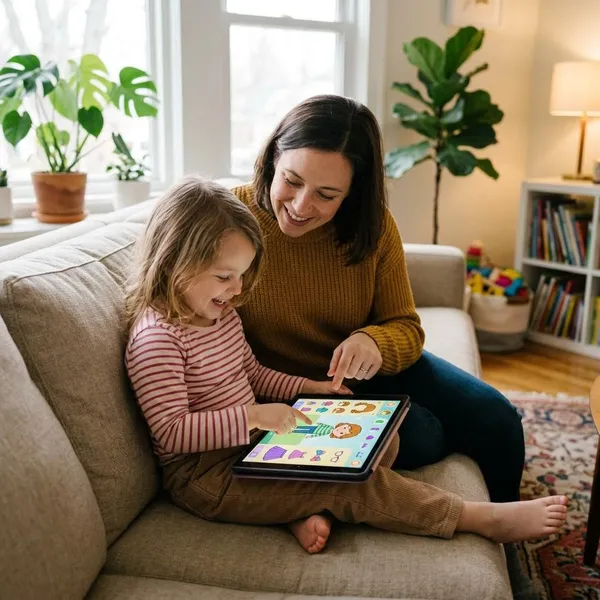
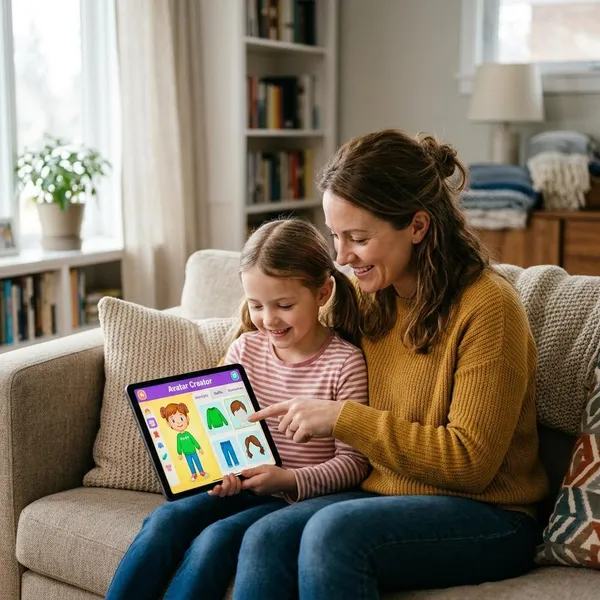
Kids can use the app to make their own characters, style them, decorate spaces, and save the finished look. It is less about winning levels and more about choosing details until the avatar feels right.
Create and customize characters
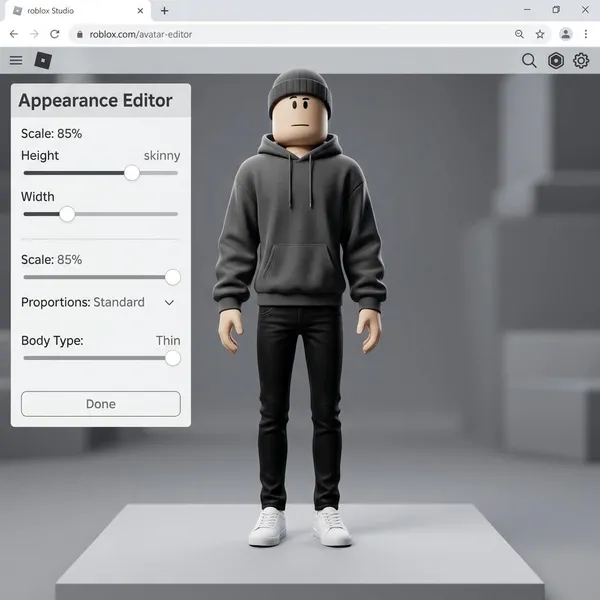
The main activity is building avatars from a set of visual options instead of choosing one fixed character. A child might start by making a version of themselves, then create a sibling, a best friend, a princess, a superhero, or a completely silly character.
This works especially well for kids who already invent stories while they play. The app gives them a quick way to make a "cast" without needing drawing skills or long instructions.
Change hair, faces, and skin tones
Hair, facial features, and skin tone choices help the avatars feel more personal. Small changes, such as a different mouth, eye shape, hairstyle, or hair color, can make the same character look shy, cheerful, dramatic, or playful.
Skin tone options are worth checking before handing the app over. If your child likes making family members or friends, representation matters more than it may seem at first glance.
Add clothes and accessories
Clothes and accessories are where many children will spend the most time. They can switch between everyday outfits, brighter styles, fantasy pieces, and small add-ons that change the character's personality.
- For short sessions: choosing an outfit and a few accessories may be enough.
- For repeat play: the fun comes from making different versions of the same character.
- For pretend play: items like glasses, crowns, wings, or animal details can turn styling into storytelling.
Decorate rooms and backgrounds
The room and background options make the finished avatar feel more like a scene than a sticker. A child can place a character in a bedroom, a colorful setting, or another decorated space that matches the mood they want.
Save and share finished avatars
Finished avatars can usually be saved, but sharing should be treated as a parent-controlled step. Local saving is low-risk and often enough for younger children; public posting or open sharing needs more caution.
- Save on the device first. Let your child keep the creation without sending it anywhere.
- Look at it together. Check the image before it leaves the device.
- Share privately if needed. A family chat or showing someone in person is usually safer than posting publicly.
Why kids may enjoy the game
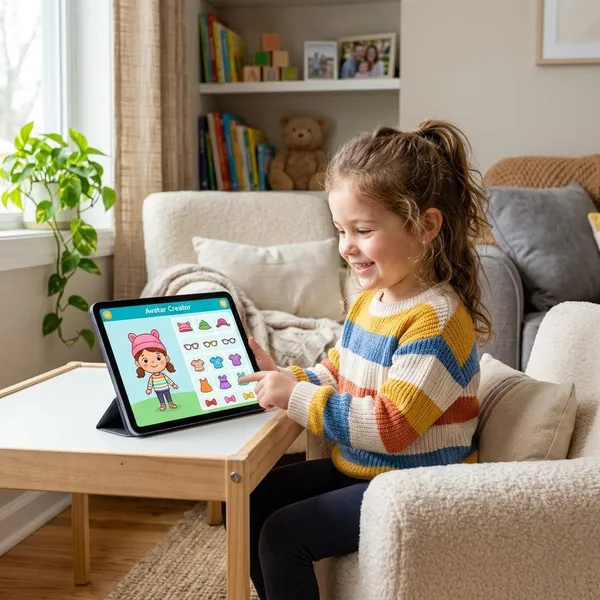
The appeal is simple: kids get quick visual results without pressure. They tap, change something, see the result, and keep adjusting until the character looks the way they imagined.
Lots of character choices
A larger set of choices helps the game avoid feeling finished after one avatar. Kids can make realistic characters one day and fantasy characters the next, which gives the app more replay value than a very basic dress-up tool.
Easy creative play
The game is easy to understand because the feedback is immediate. Children can usually tap through options, see what changed, and undo or replace choices without feeling like they made a mistake.
For a younger child, that matters. A five-minute wait at a restaurant might only leave time to make one character, while a quiet afternoon at home might turn into a longer session with several saved designs.
Freedom to mix different styles
Kids are not limited to one "correct" outfit style. A character can have bright hair, fairy wings, sneakers, glasses, and a fancy dress if that combination feels fun to them.
Adults may see a messy outfit; a child may see a pop star, a magical teacher, or a hero from a made-up story. That freedom is part of what makes this kind of app enjoyable.
More than simple outfit changes
The app feels broader than a plain dress-up game because it combines avatar design with room decoration and scene-making. That extra layer is helpful for kids who lose interest once an outfit is finished.
If your child only wants quick fashion choices, they may not use every feature. If they like building little worlds, the backgrounds and decoration tools are probably what will keep them coming back.
Who is Avatar Maker Dress Up for Kids best for?
Avatar Maker Dress Up for Kids is best for children who enjoy open-ended creativity more than structured goals. Before downloading, think less about the age label and more about your child's play style.
| Good fit | Kids who enjoy styling, decorating, pretend play, or making characters at their own pace. |
| May not fit | Kids who want races, battles, puzzles, rewards, or clear missions. |
| Parent check first | Ads, in-app purchases, locked items, saving options, and whether offline play works on your device. |
Kids who enjoy dress-up games
Children who already like dress-up games are the clearest match. They are likely to enjoy testing colors, outfits, accessories, and themed looks without needing a score or challenge.
This can be a calm option for occasional screen time. If the app becomes a daily favorite, parents should take a closer look at paid content so the child does not keep running into locked items.
Kids who like making characters
Some kids care more about the character than the clothes. For them, the app can become a quick character builder for pretend stories, simple comics, or role-play ideas.
- Imaginative kids may create heroes, villains, families, or fantasy creatures.
- Kids who like drawing may use the avatar as a starting point for their own pictures.
- Kids who tell stories aloud may enjoy giving each avatar a name and role.
Kids who enjoy room decorating
Room decorating gives the game a quieter, more arranging-focused side. Kids who like dollhouses, sticker books, or decorating games may enjoy matching the character with a space that feels complete.
Kids who prefer open-ended creative play
This app suits kids who are happy making their own fun. There is no single right answer, no race to finish, and no pressure to beat another player.
It is not ideal for every child. If your child gets bored without goals, rewards, or levels, try the free version first and watch how long they stay interested before paying for anything.
Conclusion
Avatar Maker Dress Up for Kids is worth trying if your child enjoys making characters, styling outfits, and decorating little scenes, but it should be checked by a parent before it becomes regular screen time. Start with the free version, look at ads and purchase limits, test saving or offline use if those matter to you, and only unlock more if your child keeps using the creative features rather than just tapping through locked items.