Which Adobe App Is Best for Your Audio Project?
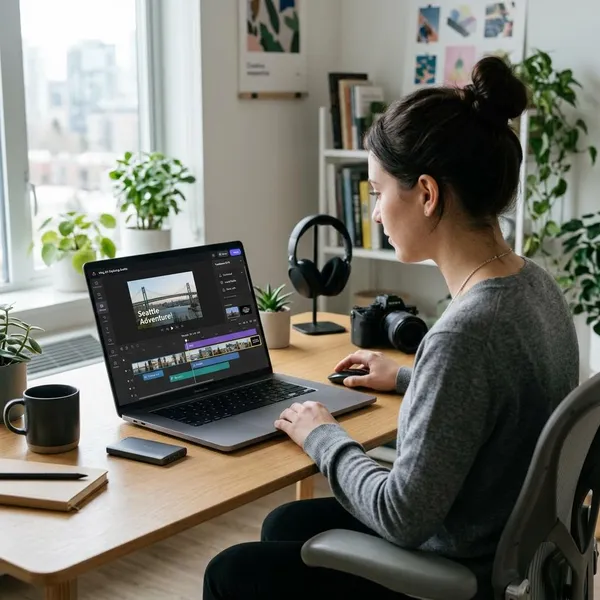
If you are choosing adobe audio software, start with the job, not the brand name. Use Audition when the audio itself needs careful editing or repair, Adobe Podcast when you want quick voice cleanup in a browser, and Premiere Pro when the sound mainly belongs to a video timeline.
Which Adobe tools handle audio?
Adobe has more than one audio-capable tool, but they are not interchangeable. The quickest way to choose is to ask where the work becomes difficult: fixing the recording, improving a spoken voice, or keeping sound synced with video.
| Tool | Best fit | Think twice if |
|---|---|---|
| Adobe Audition | Podcasts, voice-overs, cleanup, multitrack editing, repair work | You only need a fast one-click voice improvement |
| Adobe Podcast | Browser-based speech enhancement and simple spoken content | You need detailed manual control over every edit |
| Premiere Pro | Audio that is part of a video edit | The recording has serious noise, hum, clicks, or complex mix problems |
What can Adobe Audition do?
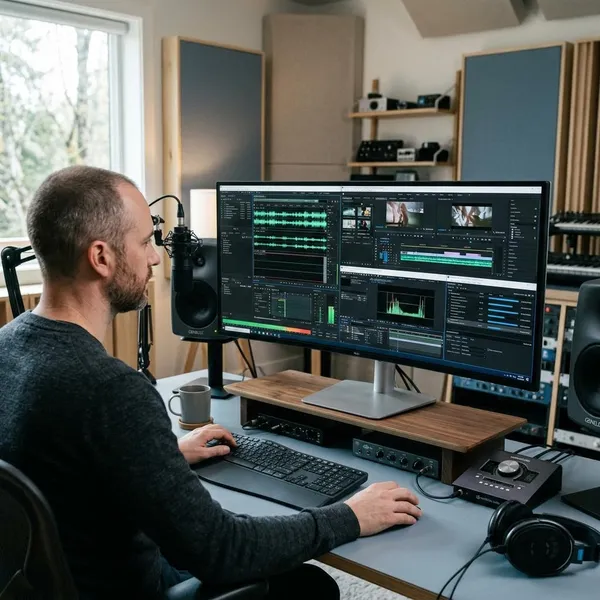
Adobe Audition can record, edit, mix, repair, and export audio. Its main advantage is control: you can work on one damaged file in detail or build a full session with multiple voices, music, effects, and transitions.
Record and mix multiple tracks
Audition can record and mix several tracks in one session, which is important for podcasts with separate microphones, voice-over with background music, or projects that combine dialogue and sound effects. Keeping each source on its own track lets you raise one quiet guest, lower music during speech, or remove a cough from one mic without damaging the whole mix.
Cut and edit individual audio files
For single-file editing, Audition is useful when the recording is mostly good but needs careful cleaning. You can trim long pauses, remove repeated words, soften clicks, tighten pacing, and prepare a voice file before it goes into a podcast, course, presentation, or video.
- Good use: cleaning one narration file before publishing.
- Less necessary: cutting the start and end off a clean clip.
- Worth learning: repeat work, such as weekly episodes or regular client voice-overs.
Reduce noise and repair recordings
Noise reduction is one of the main reasons to use Audition, but it should not be treated like magic. It can help with hiss, hum, clicks, pops, and uneven speech, yet a badly recorded file can still sound unnatural if pushed too hard.
Edit sound from Premiere Pro projects
Audition fits neatly beside Premiere Pro when a video edit needs deeper sound work. You can keep the picture edit in Premiere Pro, send problem audio to Audition for cleanup or mixing, and bring the improved result back into the video workflow.
When should you choose Adobe Audition?
Choose Adobe Audition when audio quality is part of the value of the finished project. If the listener needs to focus on speech, or if the project will be published repeatedly, the extra control can be worth the learning curve.
For a one-off voice memo, Adobe Podcast or a simple editor may be enough. For a weekly podcast, paid narration, client interview, online course, or branded video, Audition makes more sense because small sound problems become more noticeable over time.
Podcasts that need detailed editing
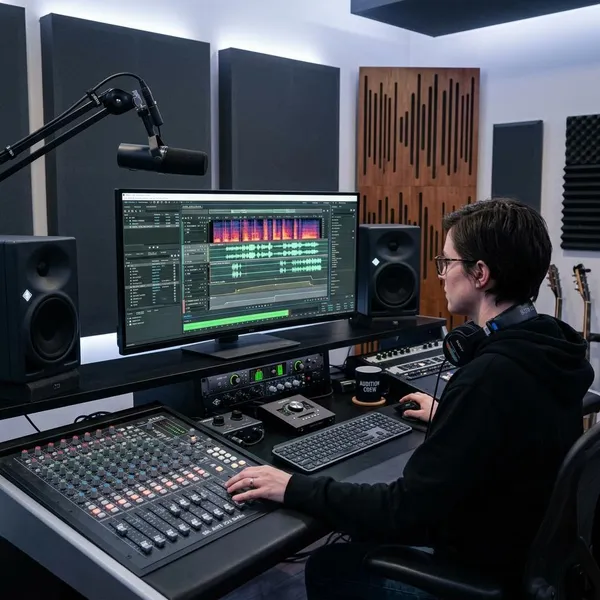
Audition is a strong podcast choice when there are multiple speakers, remote guests, intro music, sponsor breaks, or inconsistent recordings from episode to episode. The real benefit is not just cutting audio; it is keeping the show organized and listenable even when the raw material is uneven.
For a casual test episode, you may not need that much control. For a show you plan to publish regularly, Audition helps you build a repeatable editing process instead of fixing the same problems from scratch every time.
Voice-overs that need careful cleanup
Voice-over work exposes small flaws quickly. Mouth clicks, breaths, room echo, harsh tone, and sudden level changes are easier to hear when there is no busy background hiding them. Audition is useful here because you can make targeted edits rather than applying one heavy effect to the whole file.
Video projects that need deeper audio work
Use Audition for video when Premiere Pro gets you close but not far enough. Common signs are dialogue that changes sharply between shots, interview audio recorded in a noisy space, music fighting the voice, or several microphones that need a cleaner balance.
- Stay in Premiere Pro for basic cuts, simple volume changes, captions, and timeline-level mixing.
- Move to Audition when the recording needs repair, detailed cleanup, or a more controlled final mix.
How does Audition fit into music production?
Audition can be useful for music, but mostly when the music starts as recorded audio. It works well for vocals, live instruments, editing takes, and mixing audio tracks. It is less natural for building songs from MIDI, virtual instruments, drum programming, or synth-heavy arrangements.
This distinction matters. A singer recording vocals over a backing track may find Audition perfectly practical. A beat maker who starts with MIDI drums, piano-roll editing, and software synths will usually be happier in a music-focused DAW.
Recording vocals and live instruments
Audition can record vocals, guitar, piano, percussion, and other live sources if your setup is ready. It is a practical option for demos, acoustic sessions, spoken intros, video music beds, and creator projects where clean recorded audio matters more than complex composition tools.
Editing and mixing recorded tracks
Once the performances are recorded, Audition can help tighten timing, remove unwanted noise between phrases, adjust levels, apply EQ or compression, and balance vocals against instruments. This is where it feels strongest for music: turning raw recorded tracks into something cleaner and more controlled.
Choosing another DAW for MIDI composition
Another DAW is usually the better choice if your songs begin with MIDI notes, drum patterns, software instruments, loops, and heavy arrangement work. Audition can still help later with vocal cleanup, exported stems, or audio for video, but it is not the most comfortable place to compose a full MIDI-based track from scratch.
Conclusion
The best choice is the one that removes the biggest problem in your workflow. Pick Adobe Podcast for quick speech cleanup, Premiere Pro when audio belongs to the video edit, and Audition when the recording needs detailed repair, mixing, or repeatable production quality. If you are unsure, start with the simplest tool that can finish the job, then move up to Audition when you keep hitting the same audio limits.