What Are the Best Learning Apps in 2026?
The best apps for learning in 2026 are not all "best" for the same person. If you want free school support, start with Khan Academy; if you want career courses, look at Coursera; if you need daily practice, Duolingo or Quizlet may fit better. Choose by goal first, then by lesson style, price, and how easy the app is to use in your normal week.
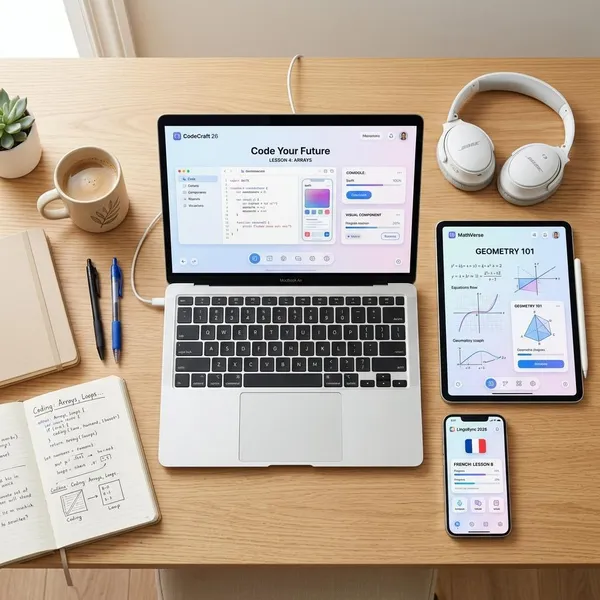
Best apps for learning in 2026
A good learning app should do one job well: explain clearly, help you practice, and make it realistic to come back. The strongest choice for a high school student catching up in math is not the same as the best choice for an adult trying to earn a job-related certificate or a parent looking for safe early learning content.
Khan Academy for free academic learning
Khan Academy is the safest first pick when you need free academic help. It covers core school subjects such as math, science, economics, computing, reading, and test prep in a calm, step-by-step way.
Coursera for courses and certificates
Coursera is better when learning is tied to work, college-level study, or a career change. Its courses often come from universities or major companies, and many include quizzes, assignments, projects, or certificates.
- Best fit: adults who can study in longer blocks.
- Useful for: data, business, IT, marketing, health, and professional skills.
- Watch out for: paying for a certificate before checking whether the course is useful to your goal.
Duolingo for daily language practice
Duolingo is a strong habit-building app for language beginners. The short lessons, reminders, and game-like format make it easy to practice for five or ten minutes when you would otherwise skip studying.
Quizlet for flashcards and test prep
Quizlet is best when the problem is remembering facts, terms, formulas, dates, or definitions. It is not a complete teacher, but it is very useful beside a class, textbook, course, or lecture.
Khan Academy Kids for early learning
Khan Academy Kids is one of the best free choices for preschool and early elementary learning. It focuses on reading, math, stories, social-emotional learning, and playful activities without feeling like a noisy game app.
- Good for: short supervised sessions at home.
- Helpful when: a child needs phonics, counting, or basic problem-solving practice.
- Not ideal for: replacing parent interaction, reading together, or hands-on play.
Brilliant for interactive math and coding
Brilliant suits learners who understand by solving problems rather than watching long videos. Its math, logic, science, and coding lessons are built around interactive challenges, so it feels more active than a standard course platform.
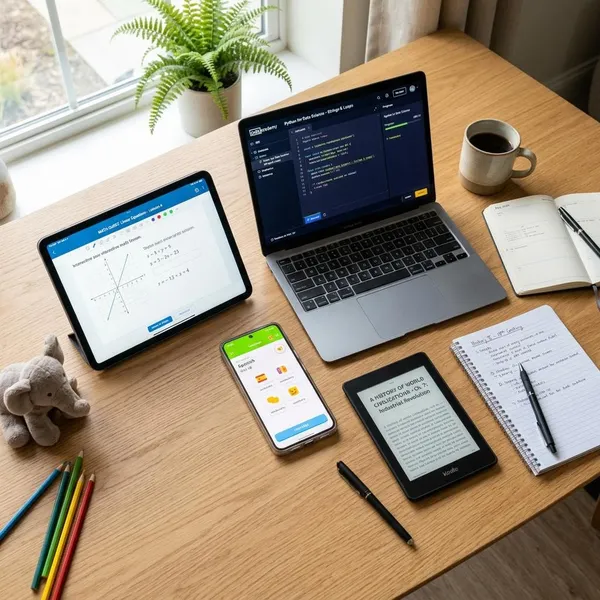
How the best learning apps compare
The quickest way to avoid a bad subscription is to compare how each app teaches, not just what it promises. Some apps are made for five-minute practice. Others need quiet study time, notebooks, projects, or deadlines.
| App | Strongest use | Best learner type | Main caution |
|---|---|---|---|
| Khan Academy | Free academic lessons | Students, families, adult refreshers | Less exciting if you need gamified motivation |
| Coursera | Structured courses and certificates | Career-focused adults | Requires more time and paid features for certificates |
| Duolingo | Daily language habit | Beginners and casual learners | Not enough alone for fluency |
| Quizlet | Recall and test prep | Students and exam takers | Weak without a source that explains the topic |
| Khan Academy Kids | Early learning | Preschool and young elementary learners | Should stay supervised and balanced with offline play |
| Brilliant | Interactive STEM practice | Problem-solvers and curious learners | Narrower subject range |
Subjects and skill levels
Start by checking whether the app teaches the exact subject at the right depth. Khan Academy is broad for school subjects, Brilliant is narrower but stronger for interactive STEM, Duolingo focuses on languages, and Quizlet supports memorization across many subjects.
Lesson length and teaching style
Short lessons are useful when you are building a daily habit. Longer lessons are better when the topic needs explanation, examples, and reflection.
- Five to ten minutes: languages, flashcards, quick review.
- Twenty minutes or more: career courses, harder school topics, coding concepts.
- Interactive practice: useful if you lose focus during video lessons.
Free access and paid features
Khan Academy and Khan Academy Kids stand out because the free experience is genuinely useful. Duolingo and Quizlet also offer free access, but premium plans may remove ads or unlock extra practice, depending on the plan and region.
Pay only when the upgrade fixes a real problem. If you need a certificate, offline access, deeper tracking, or graded work, paying may make sense. If premium mainly makes the app feel cleaner, test whether that is worth the cost to you.
Practice and progress tracking
Learning sticks better when an app makes you retrieve information, not just watch or tap through content. Quizzes, flashcards, problem sets, speaking prompts, and review sessions are more valuable than a nice progress bar by itself.
Certificates and course credit
Certificates are most useful when they connect to a practical goal, such as job applications, promotion, or a structured professional learning plan. Coursera is the strongest option in this group for that purpose.
Offline and mobile access
Mobile access matters because many people learn in small gaps: on a commute, between classes, during lunch, or before bed. Apps that work smoothly on a phone are easier to keep using.
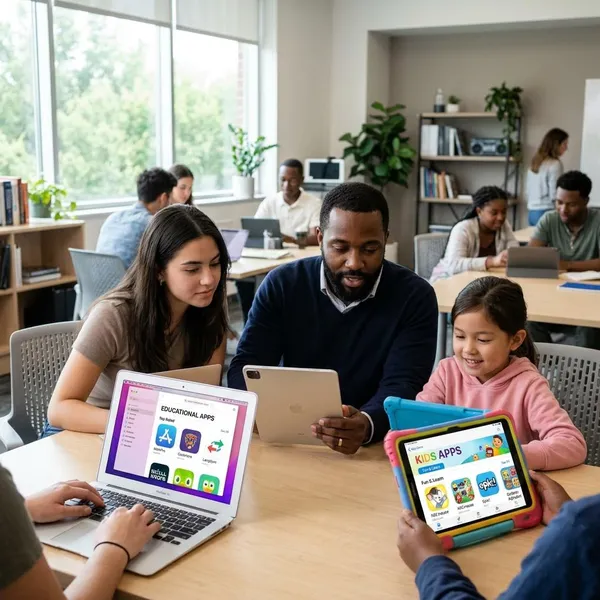
How to choose the right learning app
Choosing well is mostly about removing bad fits early. Before you subscribe, know your goal, test the teaching style, and check whether the app fits the time you actually have. A busy parent, a student before exams, and an adult retraining for work need different levels of structure.
Start with one learning goal
Pick one clear outcome before downloading anything. "Improve math" is vague; "review algebra before the next semester" is useful. "Learn coding" is broad; "finish an introductory Python course and build one small project" gives you a better filter.
Match the app to your level
Use sample lessons to find your starting point. If you are guessing through every question, start lower. If you can finish lessons without thinking, move up or choose a more advanced app.
Pick a lesson style you enjoy
The best app is the one you will still open after the first week. If you like games and quick wins, Duolingo or Quizlet may keep you moving. If you prefer explanations and assignments, Coursera or Khan Academy may feel more useful. If you learn by doing, Brilliant is a better fit than a passive video library.
Check the content quality
Look past the design and check the teaching. Are lessons accurate, current, and clearly sequenced? Does the app explain mistakes, or does it only mark answers right or wrong?
- For school subjects: check whether topics build in a logical order.
- For career skills: check who created the course and when it was updated.
- For children: check whether activities are age-appropriate and easy to supervise.
Test the free version first
A free trial is only useful if you treat it like real study. Complete a few lessons, repeat one review session, and notice whether you want to return the next day.
Review the full subscription cost
Check the monthly price, annual price, trial length, renewal terms, and whether certificates or graded assignments cost extra. A plan that looks cheap per month can still be poor value if you only open it twice.
A paid app can be worth it when it supports a serious goal, such as a career move or an exam. For light curiosity, start free and upgrade only after the habit is real.
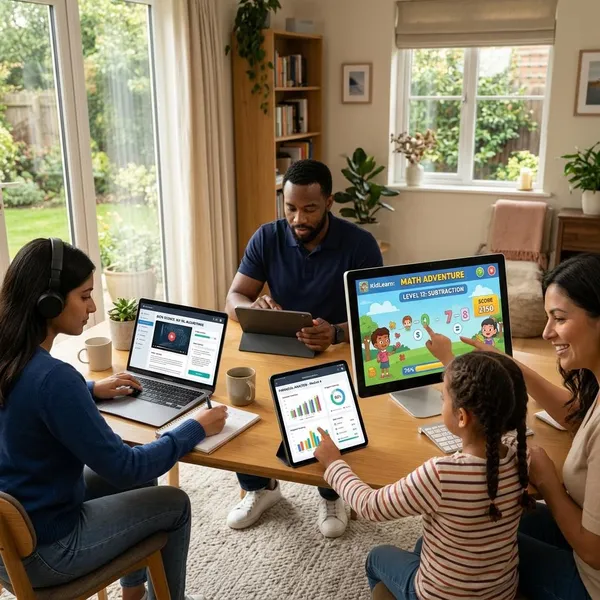
How to get better results from learning apps
A learning app works best when it becomes part of a small routine, not a burst of motivation. The main mistake is confusing activity with progress: tapping through lessons feels productive, but you still need recall, review, and real use.
Set a small daily target
Choose a target small enough that you can do it on a tired day. Ten focused minutes is often better than planning an hour and skipping it. For language practice or flashcards, even a short daily session can build momentum.
Study at a regular time
Attach the app to something you already do: after breakfast, during a commute, after school, or before your evening screen break. A regular trigger removes the daily decision of when to study.
Take notes while learning
Notes make passive lessons more active. Write down the rule, formula, mistake, example, or question that would help you tomorrow.
Practice without the app
Real understanding shows up when the app is not prompting you. Try solving a math problem on paper, writing five sentences in a new language, explaining a concept out loud, or applying one course idea at work.
Review weak areas often
Spend more time on missed questions than on lessons that already feel easy. Weak areas are not a sign the app is failing; they are the map for your next useful session.
- Missed flashcards: review them before new cards.
- Low quiz scores: repeat the lesson and write one note.
- Repeated mistakes: slow down and practice outside the app.
Track real progress, not streaks
A streak is a reminder, not a result. Better signs include higher quiz scores, faster recall, a finished course module, a small project, or being able to explain something without checking the lesson.
Conclusion
The right learning app is the one that matches your goal closely enough that you will keep using it. Start with Khan Academy for free academic help, Coursera for structured career learning, Duolingo for daily language practice, Quizlet for recall, Khan Academy Kids for young children, and Brilliant for interactive STEM. Test before paying, avoid juggling too many apps, and judge progress by what you can actually do without prompts.